

Every restaurant owner in Pakistan has seen it happen: the dinner rush starts, the internet drops, and the counter can’t print a single bill. That’s why the choice between an offline POS and a cloud POS matters more in Pakistan than in most countries.
This guide explains the difference in plain words, so you can pick the setup that keeps your counter running.
What’s the Difference?
An offline POS runs on a computer at your counter. Your menu, bills and sales are saved on that machine. It doesn’t need the internet to take orders or print receipts.
A cloud POS runs on a company’s servers over the internet. You open it in a browser or app. Your data lives online, so you can see it from anywhere, but the counter usually needs a working connection to bill.
A hybrid POS does both: it bills offline at the counter and syncs with the cloud whenever the internet is available.
Offline POS: Strengths and Weak Spots
Strengths
- Keeps billing during outages. Internet drops and load-shedding don’t stop the counter (with a UPS for the PC and printer).
- Fast. Nothing waits on a slow connection, even at peak hours.
- No internet bill risk. A slow or expensive connection doesn’t affect sales.
Weak spots
- You can’t see sales from home unless it syncs somewhere.
- Backups are your job. If the PC fails and there’s no backup, data can be lost.
- Online orders need extra setup, because customers’ orders come in over the internet.
Cloud POS: Strengths and Weak Spots
Strengths
- Check sales from anywhere on your phone.
- Multiple branches can share one menu and one set of reports.
- Backups happen automatically on the provider’s servers.
Weak spots
- No internet often means no billing. Some cloud systems have a limited offline mode. Ask exactly what still works.
- Monthly fees usually run for as long as you use it.
- Speed depends on your connection, which can slow the counter at the worst moment.
Side-by-Side Comparison
| What matters | Offline POS | Cloud POS | Hybrid POS |
|---|---|---|---|
| Bills during internet outages | ✅ Yes | ⚠️ Often no | ✅ Yes |
| See sales from your phone | ❌ Not by itself | ✅ Yes | ✅ When online |
| Automatic backups | ❌ You set them up | ✅ Yes | ✅ Yes |
| Your own online ordering website | ⚠️ Needs extra setup | ✅ Usually | ✅ Yes |
| Speed at the counter | ✅ Fast | ⚠️ Depends on internet | ✅ Fast |
| Best for | Single shop, unreliable internet | Several branches, strong internet | Most restaurants in Pakistan |
Which One Should You Choose?
- One shop, internet keeps dropping: start with an offline till. Add a UPS and a daily backup.
- One shop that wants online orders: choose a system that bills offline at the counter and runs an online ordering website. That’s the hybrid approach.
- Several branches: you need central reports, so pick cloud or hybrid, and make sure each counter can still bill when its internet drops.
Before you decide on features, read our restaurant POS buyer’s guide for the full checklist, including costs and tax rules.
Load-Shedding Checklist (Whatever You Choose)
- Put the POS PC, receipt printer and router on a UPS.
- Make sure the POS keeps billing offline and syncs later.
- Take an automatic daily backup, ideally to the cloud (Google Drive or similar).
- Keep a mobile data backup (a 4G device) for the router.
- Test it: unplug the internet during a quiet hour and try a full order.
How POS Suite Handles This
POS Suite is restaurant POS software built for exactly this problem:
- Offline till: a Windows till that keeps billing through internet outages and load-shedding.
- Online hosting: the hosted version adds your own online ordering website with WhatsApp orders.
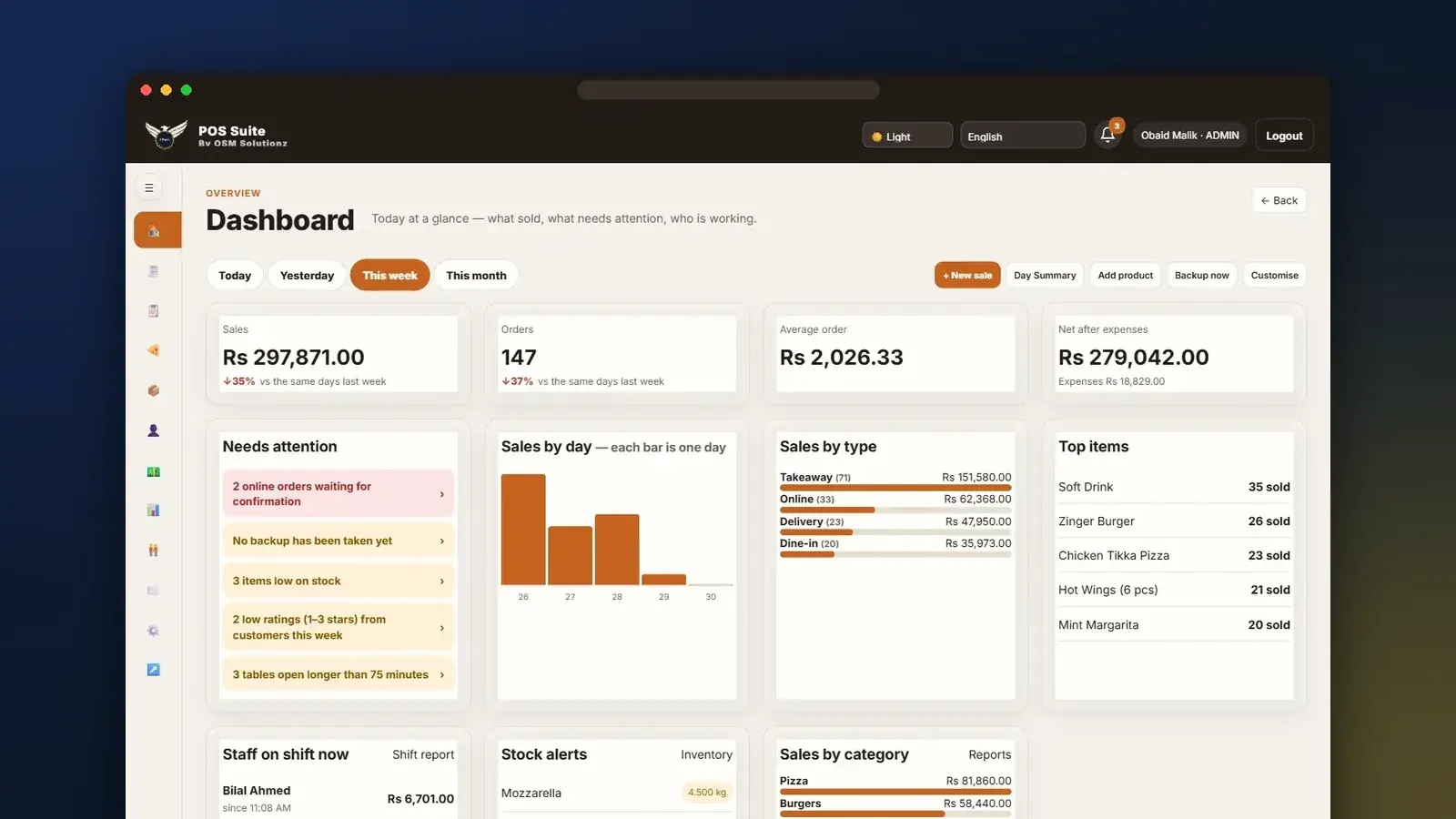
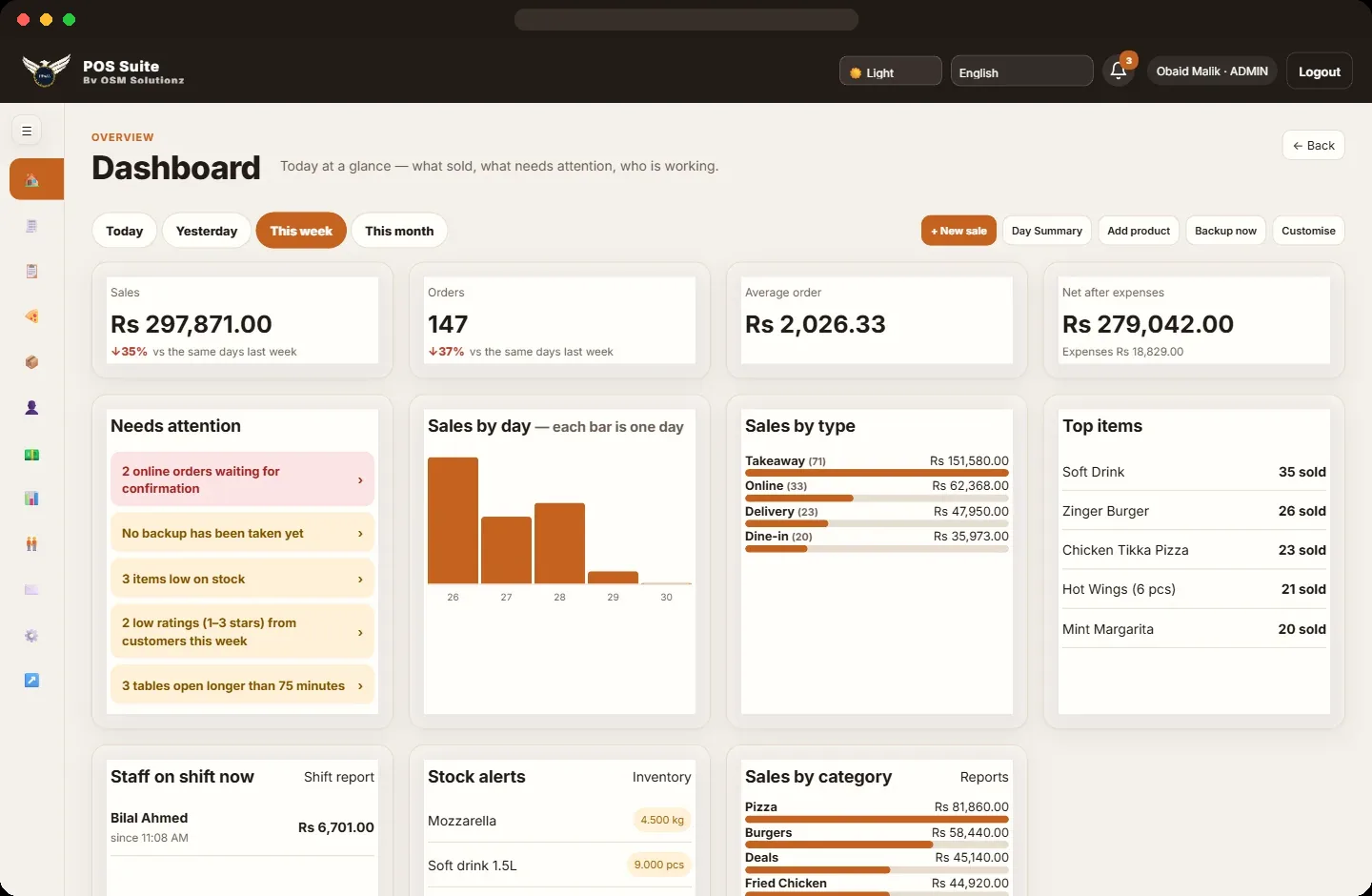
- Owner dashboard: see sales, top items and low stock.
- 18 languages, including Urdu and Arabic.
You choose the setup that fits your restaurant. Book a free demo and we’ll test it with your own menu, or contact us with questions.
Frequently Asked Questions
Can a POS work without internet in Pakistan? Yes. An offline POS bills from the counter PC with no internet. A hybrid POS does the same and syncs when the connection comes back.
Is a cloud POS bad for Pakistani restaurants? Not always. It’s great for checking sales remotely and running branches, but ask what happens when the internet drops. Many cloud systems can’t print bills offline.
What is a hybrid POS? A system that bills offline at the counter and syncs to the cloud when online. You get the reliability of offline with the remote reports of cloud.
Do I need a UPS for my POS? Yes. Even an offline POS stops if the PC loses power. A UPS for the PC, printer and router keeps the counter running through load-shedding.